
Connect account using Firefox extension
From version 1.8.0 onward the plugin allows you to connect your Google account using a helper extension for Firefox. This drastically simplifies the previous account connection process. The old process can still be used if you can't or don't want to install the extension.
- Log in to your WordPress Dashboard using Firefox
- Navigate to Product Sync for GBP > Settings
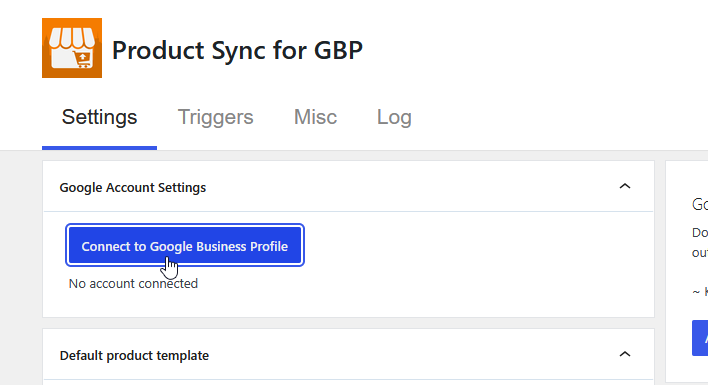
- Click the "Connect to Google Business Profile" button:
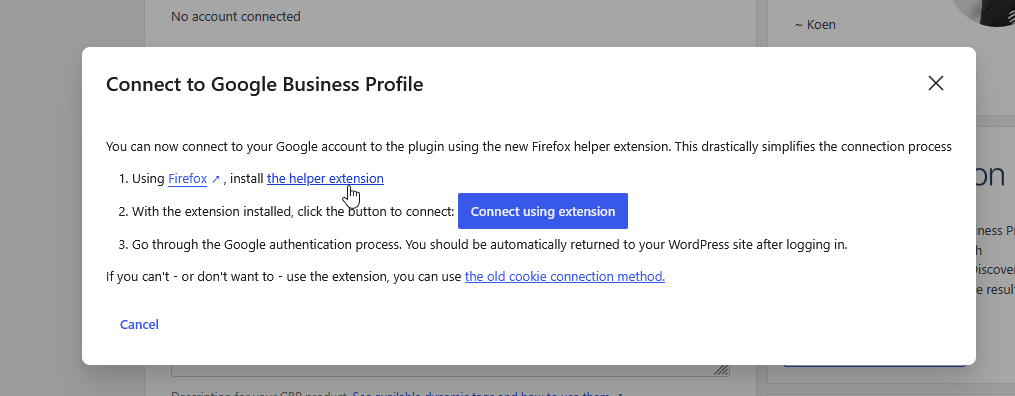
- Install the helper extension by clicking the link:
- Allow the installation of the helper extension:
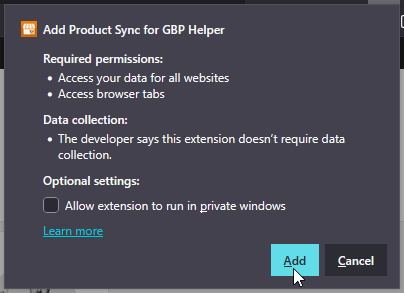 Note: The plugin requests "Access your data for all websites" permission which might sound scary, but is a catch-all permission required to allow your WordPress site(s) to communicate back and forth with the extension.
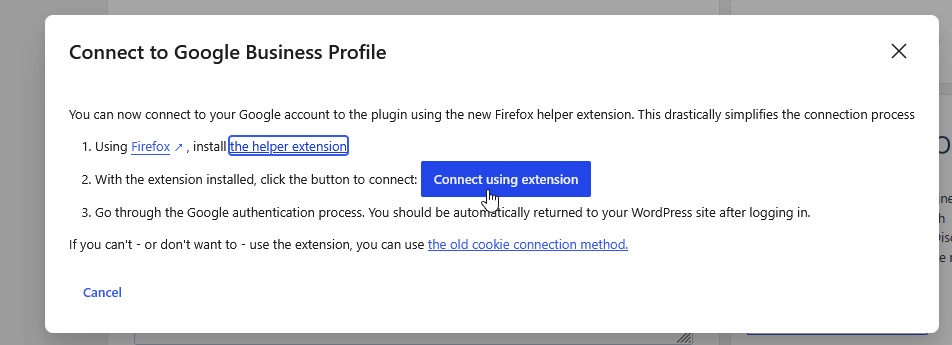
 - After installing the extension, you can click the "Connect using extension" button:
- Go through the login process, logging in with the Google account that you wish to use and contains your locations. After logging in you should be taken back to your website and the plugin should be connected to your Google account:
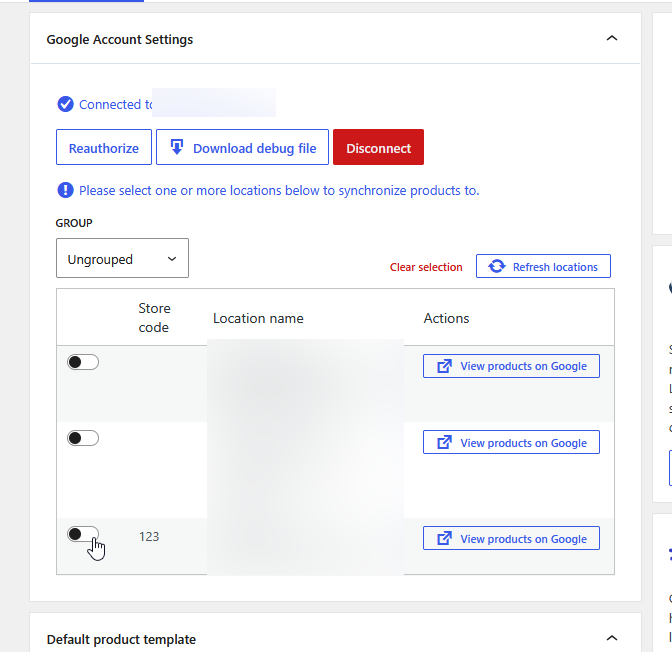 Switching on the toggle in front of the locations will enable product syncing for that location.
 Note: The plugin requests "Access your data for all websites" permission which might sound scary, but is a catch-all permission required to allow your WordPress site(s) to communicate back and forth with the extension.
 Switching on the toggle in front of the locations will enable product syncing for that location.